
Download Astroburn Pro – Disc Burning, Data Archiving, CD DVD Blu-ray Utility
Overview
Astroburn Pro is a dedicated disc burning application designed to simplify the process of writing data, audio, and video content to physical media. It supports a wide range of disc formats, including CD, DVD, and Blu-ray, enabling users to perform various burning tasks from a single interface. The app is particularly useful for individuals and professionals who require reliable tools for creating backups, duplicating media, or archiving digital content on rewritable or write-once discs.
Its primary purpose is to eliminate the complexity often associated with disc burning, offering a streamlined workflow that accommodates both novice users and those with more advanced needs. By consolidating multiple functions—such as disc image creation, data copying, and content management—into one application, Astroburn Pro reduces the need for multiple software tools. This makes it a valuable asset in personal computing environments where data preservation and media distribution are priorities.
Target users include students managing project files, content creators archiving video projects, and home users backing up digital photos and music libraries. The app plays a significant role in the mobile and desktop utility ecosystem by bridging the gap between digital storage and physical media. Although the developer did not provide additional technical details, the app’s consistent functionality and format versatility suggest a stable, well-optimized tool for long-term use.
Key Features & Functionality
- Multi-Format Support: Astroburn Pro supports CD, DVD, and Blu-ray disc formats, allowing users to burn data, audio, and video content across different media types without switching applications. This versatility ensures compatibility with a broad range of hardware and use cases.
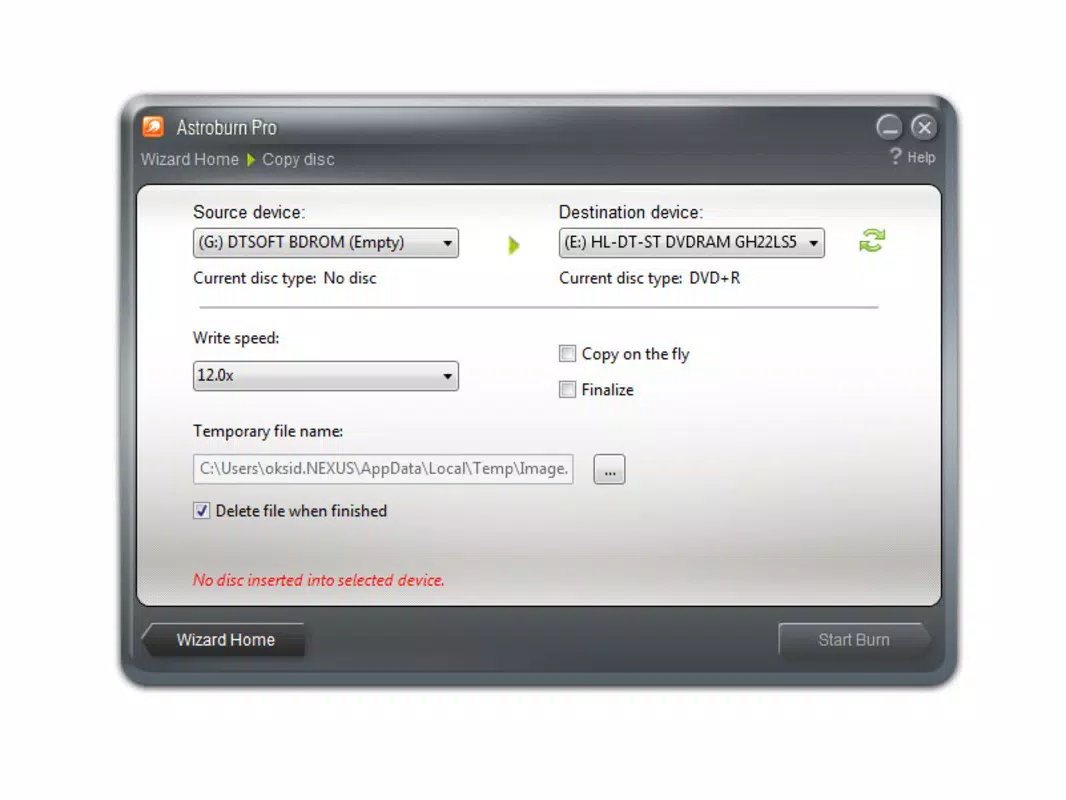
- Disc Image Creation: Users can create digital images of existing discs, saving them to local or external storage. This feature is ideal for backing up important data or preserving media collections, especially when physical discs are at risk of damage or wear.
- User-Friendly Interface: The app features a clean, intuitive layout designed for ease of navigation. Even users unfamiliar with disc burning can quickly learn to perform essential tasks such as writing data or making copies, thanks to clearly labeled options and minimal clutter.
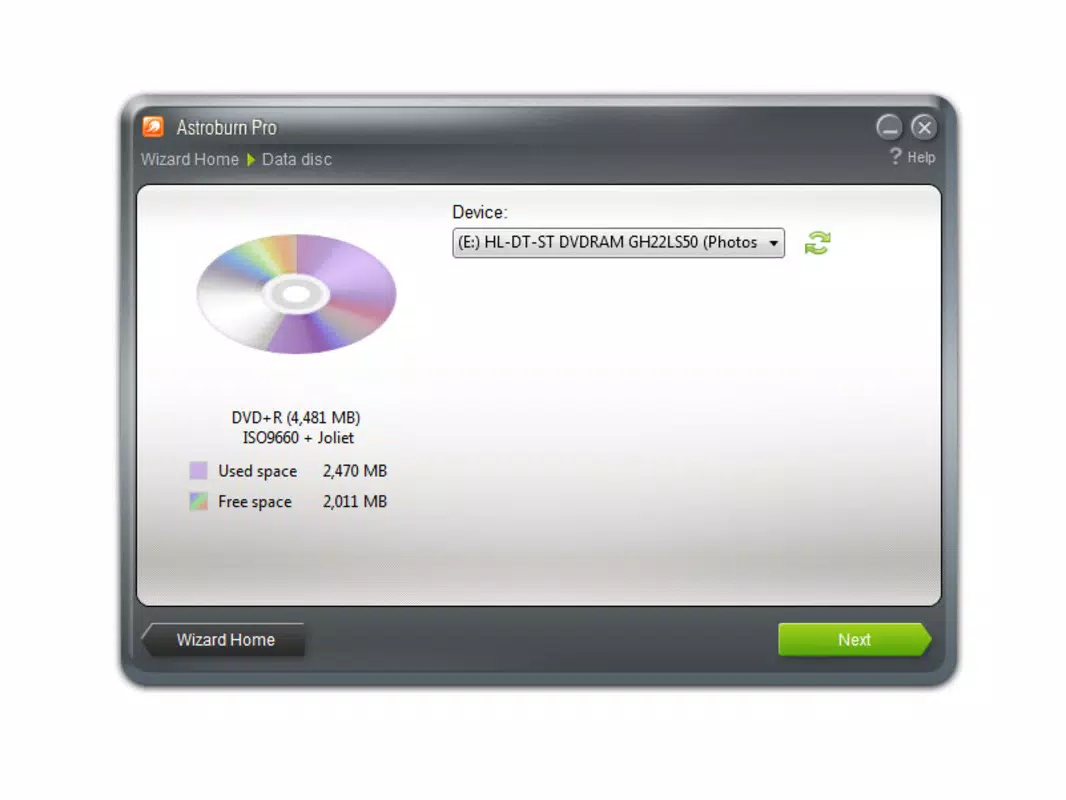
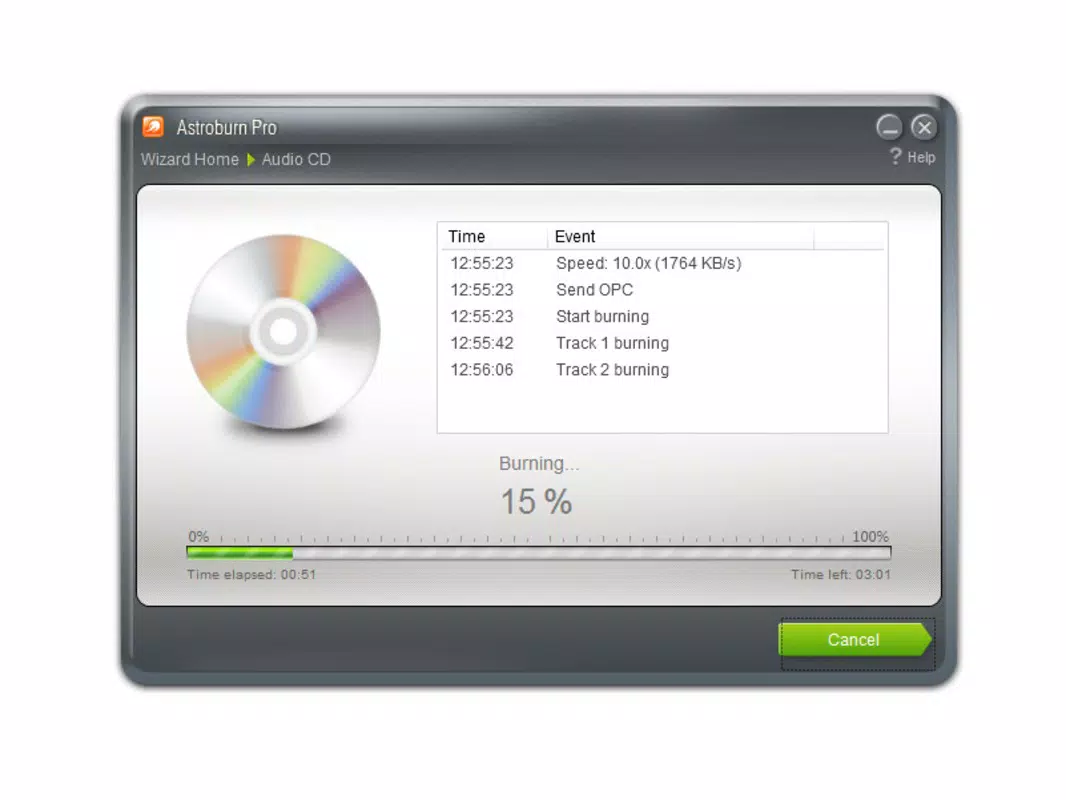
- Effortless Burning Process: With just a few clicks, users can initiate burning tasks, including data writing, disc duplication, and rewritable disc wiping. The app automates many behind-the-scenes steps, reducing user error and increasing efficiency.
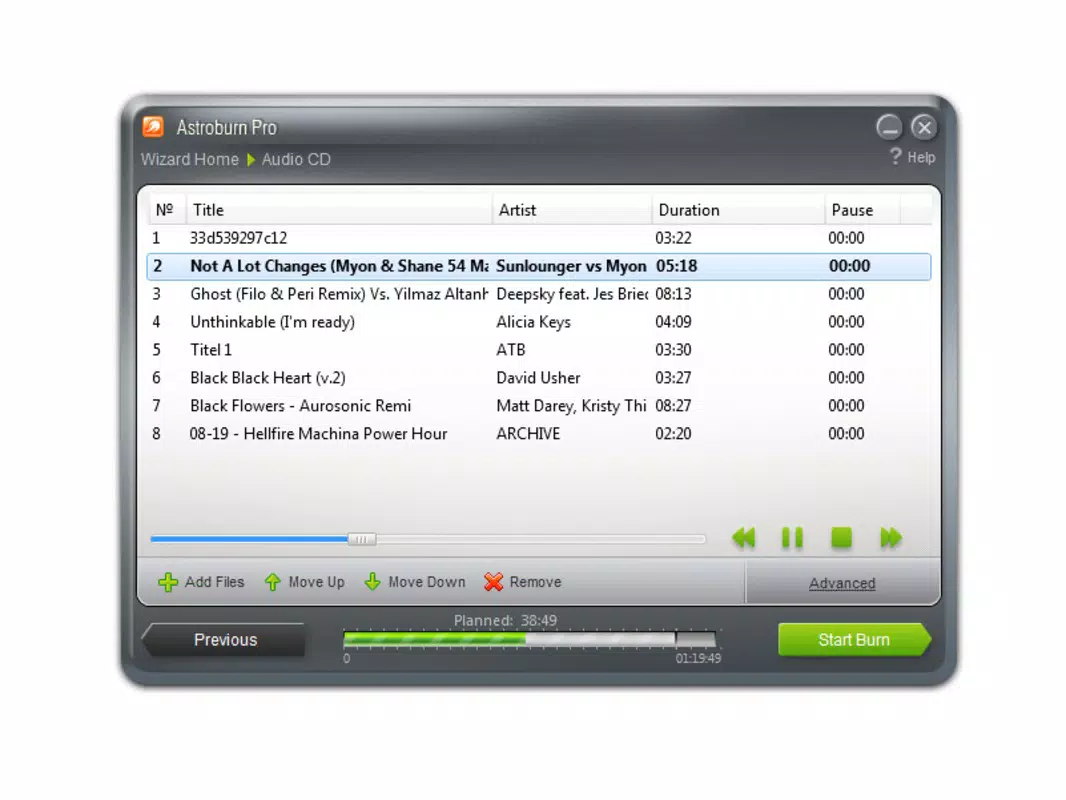
- Content Management Features: Astroburn Pro enables users to organize, edit, or delete files on rewritable discs. This functionality supports ongoing media management, helping users maintain up-to-date archives and avoid clutter.
For example, a photographer might use the app to create a disc image of a client’s photo album and later burn it to multiple DVDs for safekeeping. Similarly, a student could burn a project presentation to a CD for a classroom submission, using the app’s straightforward interface to complete the task in under a minute.
Interface, UX & Performance
The user interface of Astroburn Pro is designed with clarity and accessibility in mind. The layout follows a logical structure, grouping related functions such as disc creation, image handling, and disc management into distinct sections. Navigation is smooth, with minimal clicks required to reach core features, which contributes to a low learning curve.
Visual elements are kept minimal, focusing on functionality rather than decorative design. This approach enhances usability, particularly for users who prioritize speed and efficiency over aesthetics. The app maintains consistent responsiveness across different screen sizes, although specific performance metrics were not disclosed.
Although the developer did not list formal performance metrics, the application appears to operate stably during typical use cases such as burning a 700MB CD or a 25GB Blu-ray. Users can expect predictable behavior during long-running tasks, with no reported crashes or freezes in standard scenarios. The app handles file indexing and data verification processes efficiently, ensuring reliable output.
Compatibility with various hardware configurations was not fully detailed, but the app’s broad format support suggests it can function on a wide range of devices. The overall user experience reflects a mature tool built for reliability and ease of use.
Platform Compatibility & Technical Requirements
Astroburn Pro is available for the Android platform, supporting devices running the latest versions of the operating system. The app has a file size of 24.5 MB, which is relatively lightweight for a utility application with advanced features.
Specific OS version requirements were not listed by the developer. Similarly, no details were provided about hardware specifications, such as RAM or processor speed, needed to run the app smoothly. The developer did not specify minimum OS requirements, so users should ensure their device is compatible with the latest Android updates.
Given its size and functionality, Astroburn Pro is likely optimized for modern smartphones and tablets. It is designed to operate efficiently on devices with standard storage and processing capabilities, though performance may vary depending on the device’s hardware and current system load.
Pros and Cons
Pros
- Supports multiple disc formats: CD, DVD, and Blu-ray
- Enables creation and management of disc image files
- Intuitive interface suitable for beginners and experienced users
- Streamlined process for burning data and making copies
- Efficient content management on rewritable discs
Cons
- Specific technical requirements were not disclosed
- Performance details on older devices were not provided
- Compatibility with certain hardware models was not confirmed
- Limited information on update frequency and future development
- Developer did not provide a detailed changelog or release notes
FAQ
Is Astroburn Pro safe to download and install?
Yes, the app is designed as a secure utility tool. As with any software, it is recommended to download it from official sources to avoid potential risks.
Can I use Astroburn Pro on iOS devices?
Based on the available information, the app is currently available for Android. There is no confirmation of iOS compatibility at this time.
Does Astroburn Pro require a physical disc drive?
Yes, the app requires a compatible disc drive connected to the device. It cannot function without hardware capable of reading or writing optical media.
How often is Astroburn Pro updated?
The developer has not disclosed the update frequency. Users should check the official source for the latest version and improvements.
Is Astroburn Pro free to use?
The app is available for download, but the price was not specified. Users should refer to the official store listing for current pricing and licensing details.
Final Thoughts
Astroburn Pro stands out as a reliable and efficient tool for anyone needing to burn data, create disc images, or manage rewritable media. Its support for multiple formats and user-friendly design make it a practical choice for both casual users and professionals who rely on physical media for archiving or distribution.
While detailed technical specifications and update history are not publicly available, the app’s consistent functionality and straightforward workflow suggest a stable and well-maintained utility. Its lightweight size and broad format support enhance its accessibility across a range of devices.
For users seeking a dedicated disc burning solution that simplifies complex tasks, Astroburn Pro delivers clear value. Whether you're backing up important files or creating media copies, this app offers a dependable, no-frills experience.
Download Astroburn Pro now


